
Table of Contents
What Does “Send as Text Message” Mean?
Tone & Emotion Behind This Message
Other Meanings Based on Context
When to Use It & When to Avoid It
Real Conversation Examples
Related Slang & Terms
Platform Differences
FAQs
Conclusion
What Does “Sent as SMS” Mean?
👉 “Sent as SMS” means your message was sent as a regular text (SMS) instead of an internet-based message like:
- iMessage (iPhone)
- RCS / Chat (Android)
📌 This usually happens when:
- Internet isn’t available
- Messaging service (iMessage/RCS) fails
- The other person isn’t using the same system
Sent as Text Message — Am I Blocked?
❌ No, not necessarily.
“Sent as SMS” does NOT automatically mean you’re blocked.
👉 Common reasons instead:
- No Wi-Fi or mobile data
- The other person turned off iMessage/RCS
- Their phone is off
- Network issue
⚠️ It could be a sign in rare cases, but you cannot confirm blocking from this alone.
Does “Sent as SMS” Mean Blocked on Android?
❌ No.
On Android:
- SMS will send whether you’re blocked or not
- There is no clear “blocked” indicator
👉 So:
- “Sent as SMS” = normal behavior
- Not proof of anything
Why Is My Phone Sending SMS Instead of RCS?
👉 Your phone switches to SMS when:
- RCS (Chat features) is turned off
- No internet connection
- The other person doesn’t support RCS
- RCS service is temporarily down
📌 Fix:
- Turn on Chat features in Messages settings
- Check your internet connection
Why Are My Texts Sending as SMS to One Person?
If it’s only happening with one contact, it usually means:
- They don’t have iMessage or RCS enabled
- They changed phones (e.g., iPhone → Android)
- Their internet is off
- Messaging service isn’t working on their side
👉 This is very common and usually not a problem.
Why Does It Say “Text Message (SMS)” on iPhone?
On iPhone:
- 🔵 Blue bubble = iMessage
- 🟢 Green bubble = SMS
👉 It shows SMS when:
- iMessage is off
- No internet
- You’re texting an Android phone
- iMessage failed to send
Why Does My Text Say SMS and Not Delivered?
👉 SMS messages often don’t show “Delivered” status.
Reasons:
- SMS doesn’t always support delivery receipts
- Depends on carrier settings
- Recipient may have delivery reports off
👉 So this is normal behavior.
Sent as SMS From iPhone to Android
👉 This is 100% normal.
- iPhone → Android = always SMS
- iMessage only works between Apple devices
📌 So:
- “Sent as SMS” is expected, not an issue
Final Summary
- Sent as SMS = normal text message (not internet-based)
- ❌ Does NOT mean you’re blocked
- Happens due to:
- No internet
- Messaging settings
- Different device types
👉 Key takeaway:
You cannot confirm being blocked just from “Sent as SMS.”
What Does “Send as Text Message” Mean? (Primary Meaning)
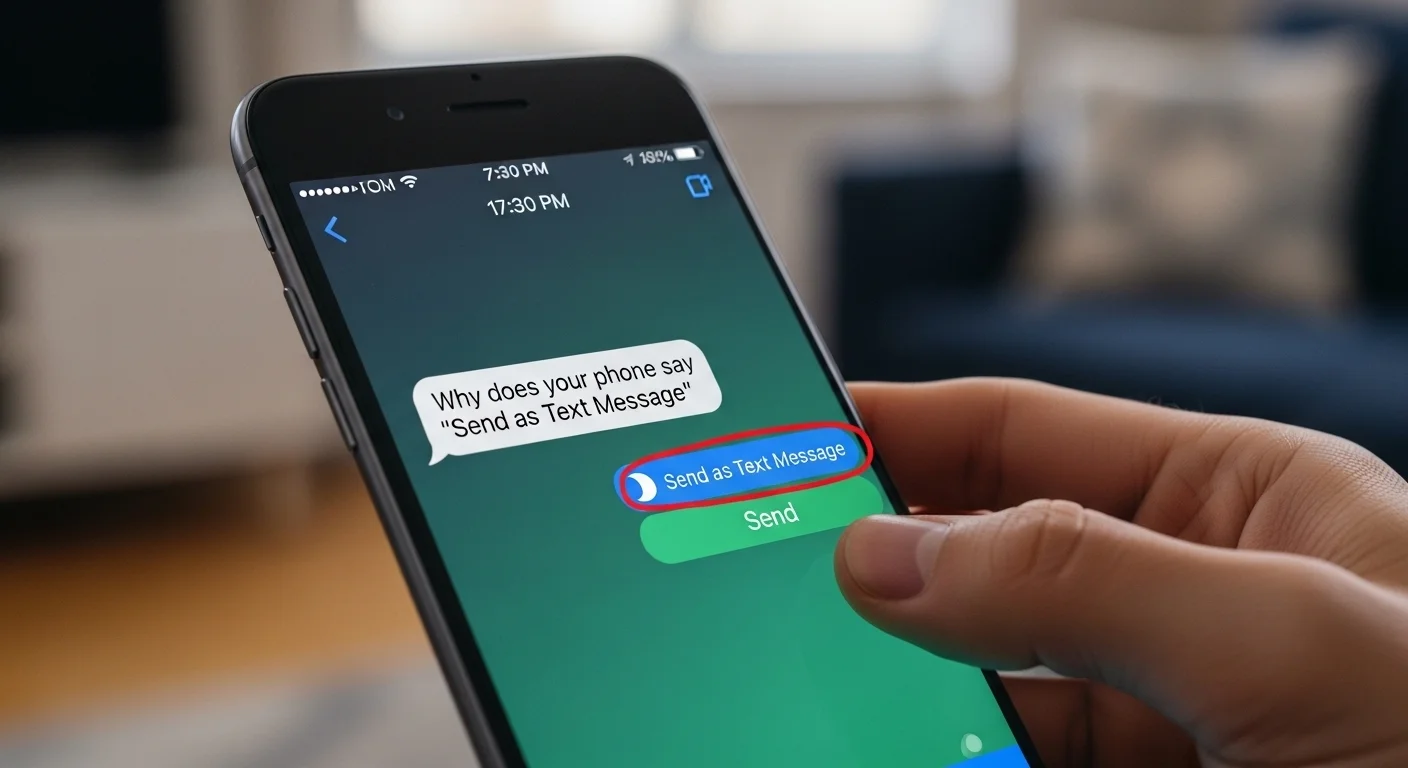
When your phone says “Send as Text Message,” it means:
Your device is switching from internet-based messaging (iMessage/RCS) to SMS because the message cannot be delivered online.
In simple words:
Your phone is using cellular SMS instead of WiFi or mobile data messaging.
This usually happens when:
The other person’s internet is off
You don’t have strong data or WiFi
iMessage or RCS is unavailable
The system automatically falls back to SMS
Chat-Style Examples
You: Why did my message go green?
Phone: Sent as Text Message (SMS used instead of iMessage)
You: Did it go through?
Phone: Delivered (as Text Message)
Friend: Why’s your message green?
You: It sent as a text message instead of iMessage lol
Why This Meaning? Tone & Emotion
It signals a technical switch, not a personal problem.
It sounds neutral, with no emotional tone.
It indicates fallback mode, meaning your device chose the safest way to deliver the message.
Other Meanings of “Send as Text Message” (Context Matters)
While the main reason is switching from internet to SMS, there are other common interpretations depending on the situation.
Recipient’s Phone Is Offline
If the other person turned off data, WiFi, or their phone is dead, your phone will send the message as SMS.
Example:
“I guess your phone’s off — it sent as a text message.”
iMessage / RCS Server Issue
Apple and Google servers sometimes temporarily fail, so your message defaults to SMS.
Example:
“My iMessage keeps sending as text message. Servers down?”
Sender’s Internet Is Weak
If your own connection drops, your phone uses SMS instead.
Example:
“No signal here, message is sending as text now.”
The Recipient Switched Devices
If someone switches from iPhone to Android or vice versa, their messaging format changes.
Example:
“Your messages started sending as text — did you change phones?”
Blocked (Rare, But Possible)
If an iPhone user blocks you, your iMessages may stop delivering and default to SMS — but SMS does not guarantee they received it.
Example:
“It sent as text message… maybe they blocked me?”
Carrier Network Preference
Some carriers automatically use SMS for stability.
Example:
“Carrier switched it to text for faster delivery.”
When to Use It & When to Avoid It
Explanation
Sending as a text message is usually fine in casual communication, but not ideal for media-heavy or international messages due to possible charges or lower quality.
Usage Table
| Context | ✔️ / ❌ | Notes |
|---|---|---|
| Weak internet | ✔️ | SMS ensures delivery |
| Quick short messages | ✔️ | Fast and stable |
| Sending photos/videos | ❌ | SMS compresses or fails |
| Messaging internationally | ❌ | Can incur charges |
| Contacting someone in low-signal area | ✔️ | SMS often works better |
| Formal conversations | ✔️ | SMS is reliable |
| Group chats | ❌ | SMS doesn’t support group features |
4 Usage Tips
Keep SMS for short, simple messages
Avoid SMS for media files
Know your carrier charges
Check if the other person is online before assuming something is wrong
Real Conversation Examples
Friend Chat
You: Why did your bubble turn green?
Friend: My WiFi died so it sent as a text message lol.
Relationship / Crush Chat
You: Did you block me??
Them: Nooo my data is off 😭 that’s why it sent as a text.
Parent Conversation
Mom: My phone says it sent as a text message
You: It’s okay, that just means it used SMS.
Group Chat Issue
You: Why can’t my message send?
Phone: Sent as Text Message
You: Oh right, I’m out of WiFi.
Marketplace / Customer Communication
Buyer: I got your message but it came as a text
Seller: Yes, I’m in low-signal area.
Related Slang & Terms
SMS — Standard text message sent through carrier network
RCS — Android’s advanced messaging system
iMessage — Apple’s internet-based messaging
Blue Bubble — iMessage
Delivered/Read — Message status indicators
Standard messaging rates apply — Carrier may charge for SMS
Platform Differences
iPhone (iMessage)
iPhones try iMessage first.
If unavailable, they automatically switch to SMS and show “Send as Text Message.”
Android (RCS vs SMS)
Android phones attempt RCS first.
If RCS fails, they fall back to SMS.
Instagram / WhatsApp
These apps never switch to SMS.
They only rely on internet messaging.
Facebook Messenger
Also stays internet-based, no SMS fallback.
Carrier Messaging Apps
Some older devices still default to SMS more often, especially in low-signal areas.