
Table of Contents
What Is a Green Text Bubble? (Primary Meaning)
Why This Meaning? Tone & Emotion
Other Meanings of Green Text Bubbles (Context Matters)
When to Use It & When to Avoid It
Related Messaging Terms
Platform Differences
FAQs
Conclusion

Does Green Text Mean Blocked? (iPhone & Android Explained)
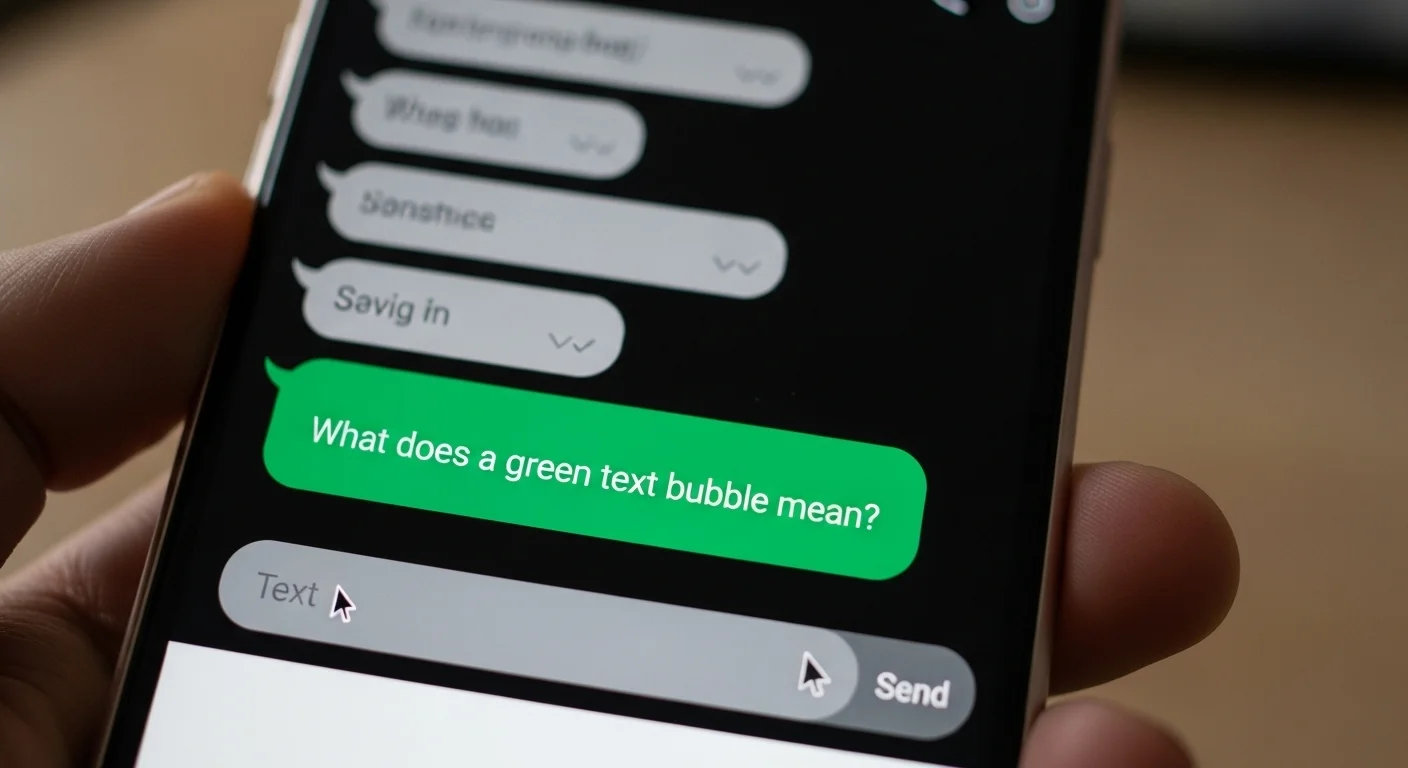
Many people think a green text bubble means they’ve been blocked — but that’s not usually true. The color difference mostly depends on the type of messaging service being used.
Let’s break it down clearly.
What Does a Green Text Bubble Mean on iPhone?
On Apple Inc. devices like the iPhone:
Blue bubble = iMessage (sent through Apple’s internet-based system)
Green bubble = SMS/MMS (regular text message sent through your carrier)
So a green message simply means:
👉 The message was sent as a standard SMS, not iMessage.
Does Green Text Mean You’re Blocked?
❌ No, not automatically.
Your text turns green if:
The other person turned off iMessage
They don’t have internet access
You’re texting a non-Apple device
iMessage servers are temporarily unavailable
If you are blocked:
Messages stay green
You won’t see “Delivered” under blue messages
Calls may go straight to voicemail
But green alone does not confirm blocking.
Why Are My Messages Green When They Should Be Blue?
If you’re texting another iPhone user and messages are green, possible reasons include:
iMessage is turned off (Settings → Messages → iMessage)
Poor internet connection
The other person switched phones
Apple ID/iMessage issue
iMessage requires Wi-Fi or mobile data.
What Does Green Text Bubble Mean on Android?
On Android devices:
Green bubbles simply represent standard SMS messages.
Unlike iPhone, Android does not use blue vs green to indicate different systems (unless using RCS in some apps).
In apps like Google Messages:
RCS chats may show different indicators
Regular SMS appears standard
Why Are Some Text Messages Green and Some Blue on Android?
If using RCS (Rich Communication Services):
RCS messages may show advanced features (read receipts, typing indicators)
SMS messages appear standard
This depends on whether both users have RCS enabled.
What Does Blue Text Mean?
On iPhone:
Blue text = iMessage
Sent via Apple’s encrypted messaging system
Requires internet
Shows “Delivered” and “Read” receipts (if enabled)
On Android (with RCS enabled):
Blue may indicate RCS chat (depending on theme/settings)
Quick Summary
| Color | iPhone Meaning | Android Meaning |
|---|---|---|
| Green | SMS/MMS | SMS |
| Blue | iMessage | RCS (if enabled) |
Final Answer
A green text bubble does NOT automatically mean you are blocked.
It usually means the message was sent as a standard SMS instead of iMessage. Blocking requires additional signs beyond just the bubble color.
What Is a Green Text Bubble? (Primary Meaning)
A green text bubble typically appears in Apple’s iMessage app when the message is sent as an SMS/MMS rather than an iMessage. This usually happens when:
The recipient is not using an iPhone
iMessage is turned off
There’s no internet connection
Essentially, green = standard text message instead of iMessage (which appears blue).
Chat-Style Examples
Friend chat:
Alex: “Hey, did you get my message?”
Jamie: “Yeah, it came as green. Does that mean you don’t have iMessage?”
Family chat:
Mom: “Dinner at 7!”
You: “Got it!” (green bubble means she’s on Android)
Work chat:
Colleague: “Project update by EOD.”
You: “Noted.” (green bubble indicates SMS fallback)
Why This Meaning? Tone & Emotion
Informative: Green bubbles simply indicate message type, no judgment.
Neutral: It does not reflect mood, tone, or urgency.
Practical: Lets you know if features like read receipts or reactions won’t appear.
Other Meanings of Green Text Bubbles (Context Matters)
While the primary meaning is technical, context can create subtle interpretations:
Connection issues: A green bubble may indicate the sender’s iMessage failed.
Example: “Why is this green? Did iMessage fail?”Cross-platform texting: Messages to Android users always appear green on iPhones.
Example: “She got a green bubble because she’s using an Android.”Group chat behavior: In mixed iPhone/Android groups, some messages appear green to certain participants.
Example: “Why are some messages blue and some green? Mixed devices in the chat.”
When to Use It & When to Avoid It
Knowing green bubbles is mostly informational. They don’t affect casual texting but may matter for features.
| Context | ✔️/❌ | Notes |
|---|---|---|
| Friend chat | ✔️ | Informative but casual |
| Workplace chat | ✔️ | OK, but use professional tone |
| Social media DM | ✔️ | Mostly irrelevant |
| Urgent message | ✔️ | Works fine, but features like read receipts may be unavailable |
| Group chat | ✔️ | Expect mixed blue/green bubbles |
Usage Tips:
Recognize green vs. blue for iMessage features.
Avoid assuming green = “less important.”
Use SMS fallback if internet fails.
Inform recipients if reactions/read receipts matter.
Real Conversation Examples
Friend Chat:
Morgan: “See you at the movies?”
Taylor: “Green bubble! Are you using Android?”
Family Chat:
Parent: “Don’t forget groceries.”
You: “Got it!” (green bubble indicates SMS)
Work Chat:
Manager: “Please review the report ASAP.”
Employee: “Received.” (green bubble = SMS fallback, no iMessage features)
Group Chat:
Friend: “Party at 8!”
Multiple responses: “Blue for iPhones, green for Androids.”
Related Messaging Terms
Blue text bubble: iMessage message sent between Apple devices
SMS: Short Message Service (standard text)
MMS: Multimedia Messaging Service (images/videos via text)
Read receipts: Feature that shows when a message is read (iMessage only)
Typing indicator: Shows when someone is typing (iMessage only)
Delivery report: Confirms message was sent (SMS or iMessage)
Platform Differences
iMessage (iPhone): Blue = iMessage, Green = SMS/MMS
WhatsApp / Telegram: Bubble colors vary; green is typically a theme color
Android messaging apps: No distinction; all messages appear uniform
Workplace chat / Slack: Color coding not relevant; relies on platform indicators